
Analytics
Track business performance with comprehensive reports on revenue, products, coupons, and suppliers.
In plain words
Analytics is just counting, done for you. Revenue, products, coupons, suppliers — each report answers one question. Pick the question first, then the report; browsing every chart teaches you nothing.
Revenue Report
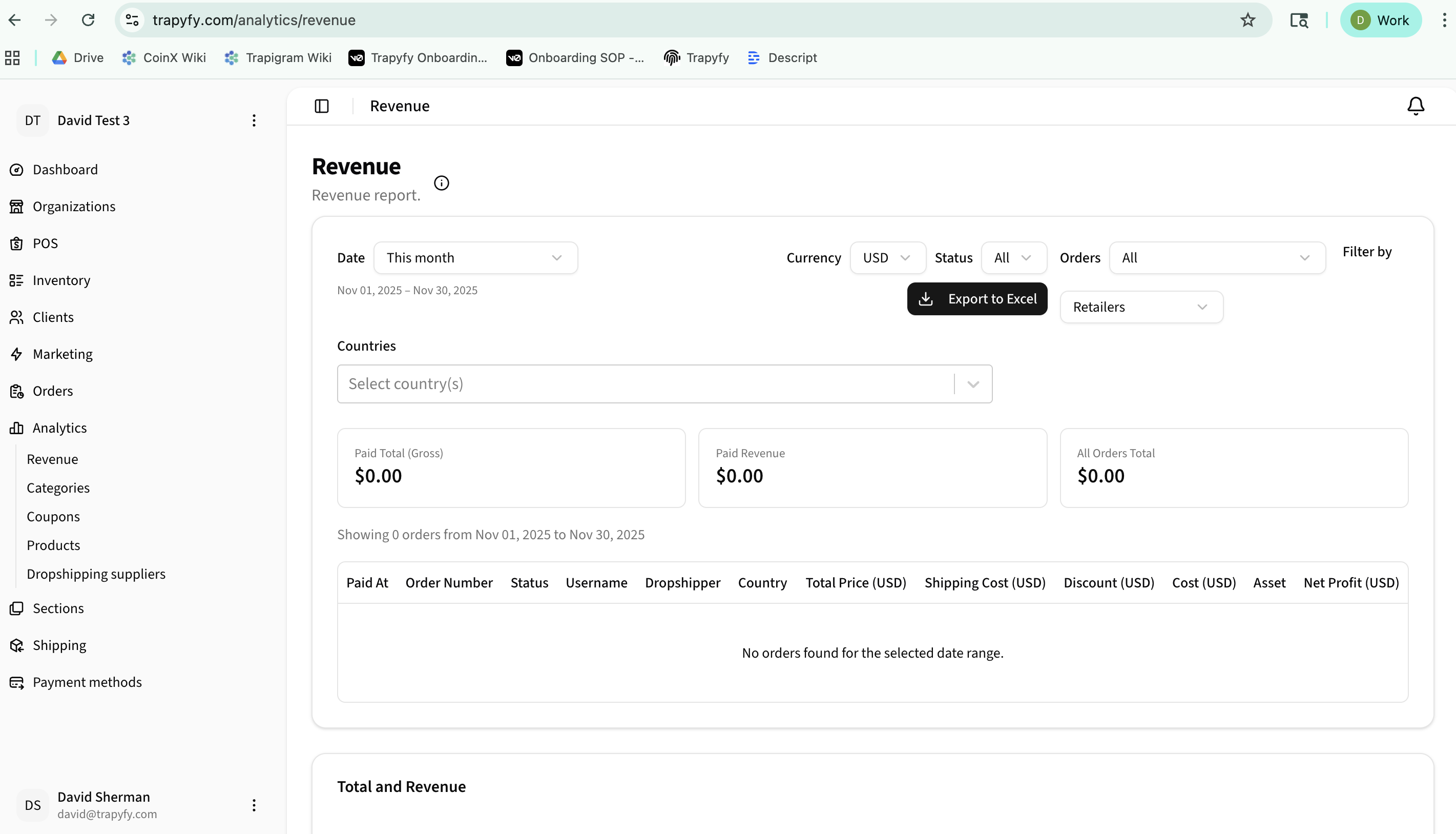
View detailed order-level revenue tracking with multi-currency support and comprehensive filtering options.
Key Metrics
- Paid Total (Gross) - Total revenue from paid orders
- Paid Revenue - Net revenue after costs
- All Orders Total - Including all order statuses
Filters
- Date range with preset options and custom dates
- Currency selection (USD, GBP, EUR)
- Status filter (All, Paid, Pending, Cancelled, Refunded)
- Orders filter for specific order types
- Retailer/supplier filtering
Order Details
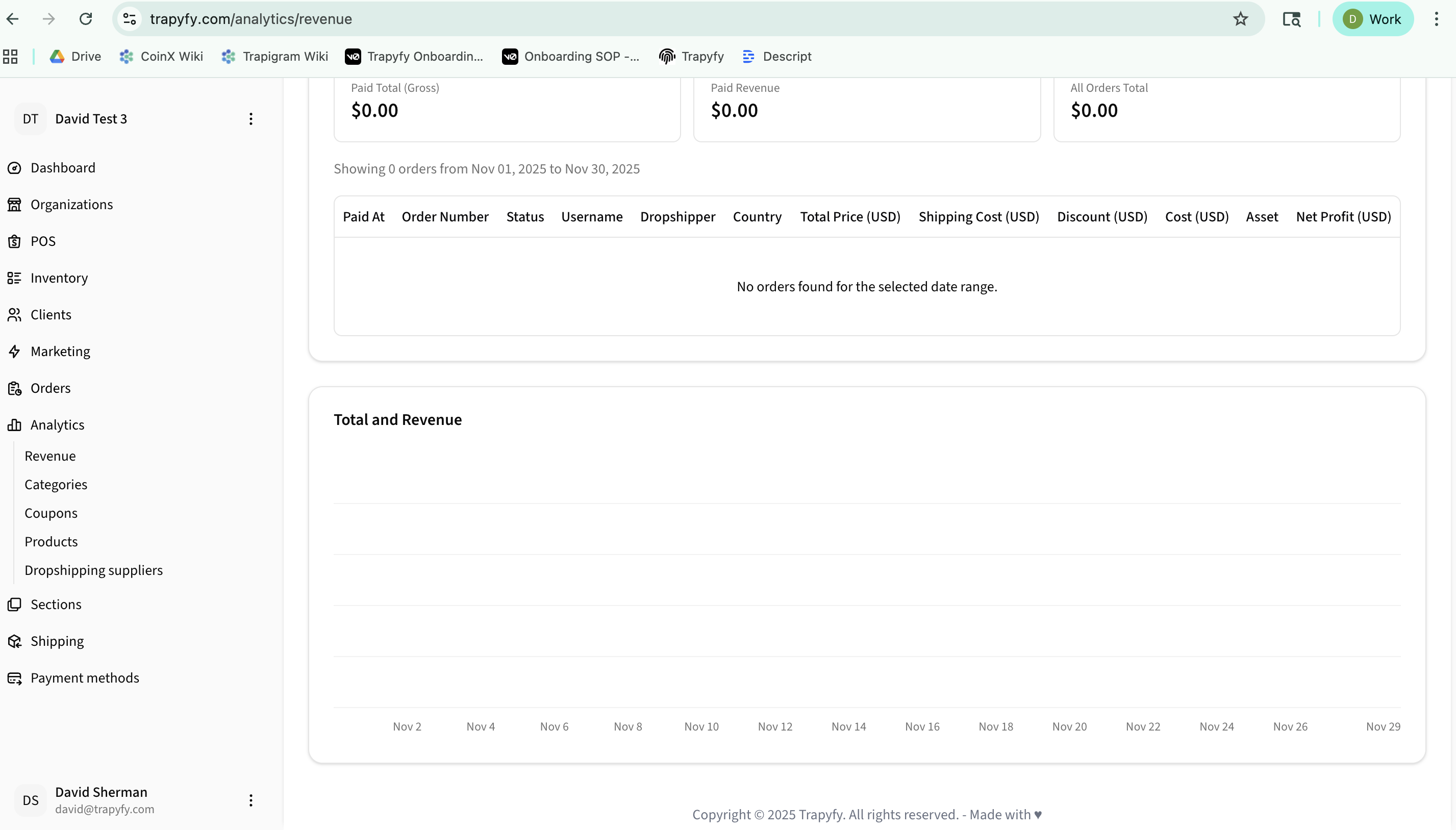
View comprehensive order information including paid date, order number, status, customer, country, pricing breakdown (total, shipping, discount, cost), and net profit for each transaction.
Category Revenue
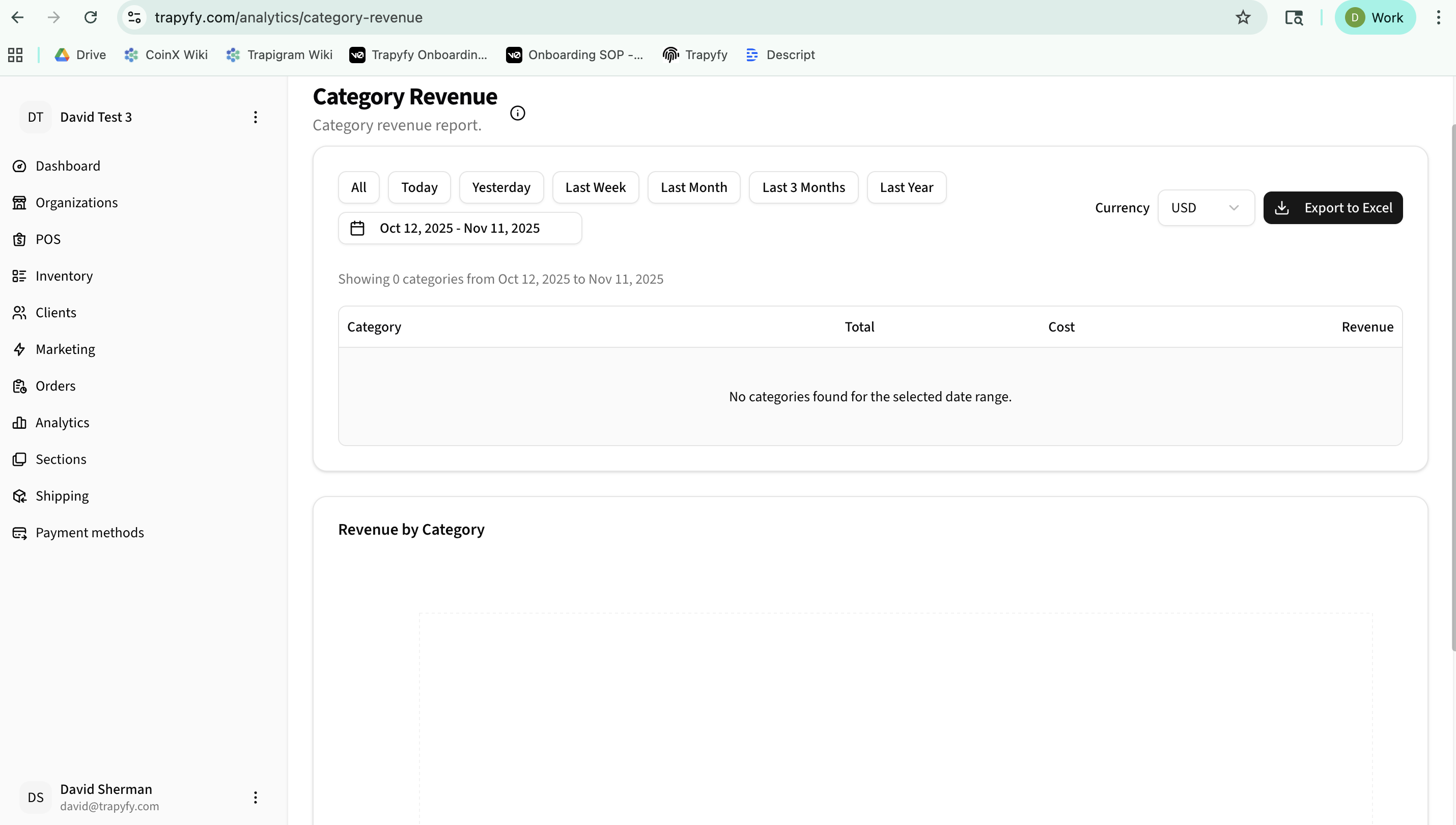
Analyze revenue performance broken down by product categories with visual charts and detailed tables.
Features
- Quick date presets: All, Today, Yesterday, Last Week, Last Month, Last 3 Months, Last Year
- Custom date range picker
- Currency selection
- Export to Excel for further analysis
Data Displayed
- Category name
- Total sales amount
- Total costs
- Net revenue
- Visual bar chart showing revenue by category
Product Performance
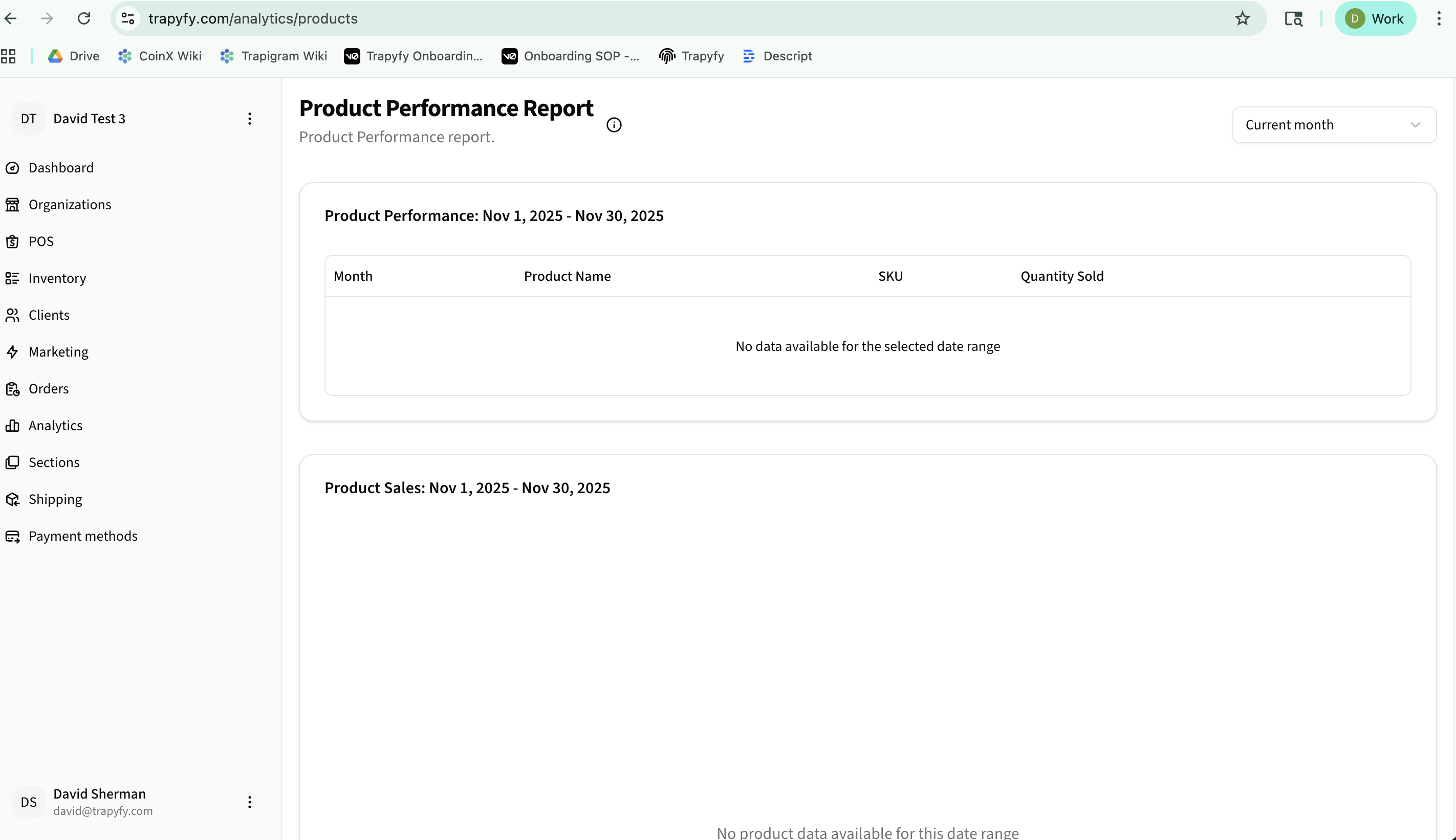
Track which products are selling best with monthly performance reports and sales visualizations.
Reports Available
- Product Performance - Monthly aggregated sales by product
- Product Sales - Visual chart showing sales trends over time
Information Tracked
- Month of sale
- Product name and SKU
- Quantity sold
- Sales trends visualization
Coupon Performance
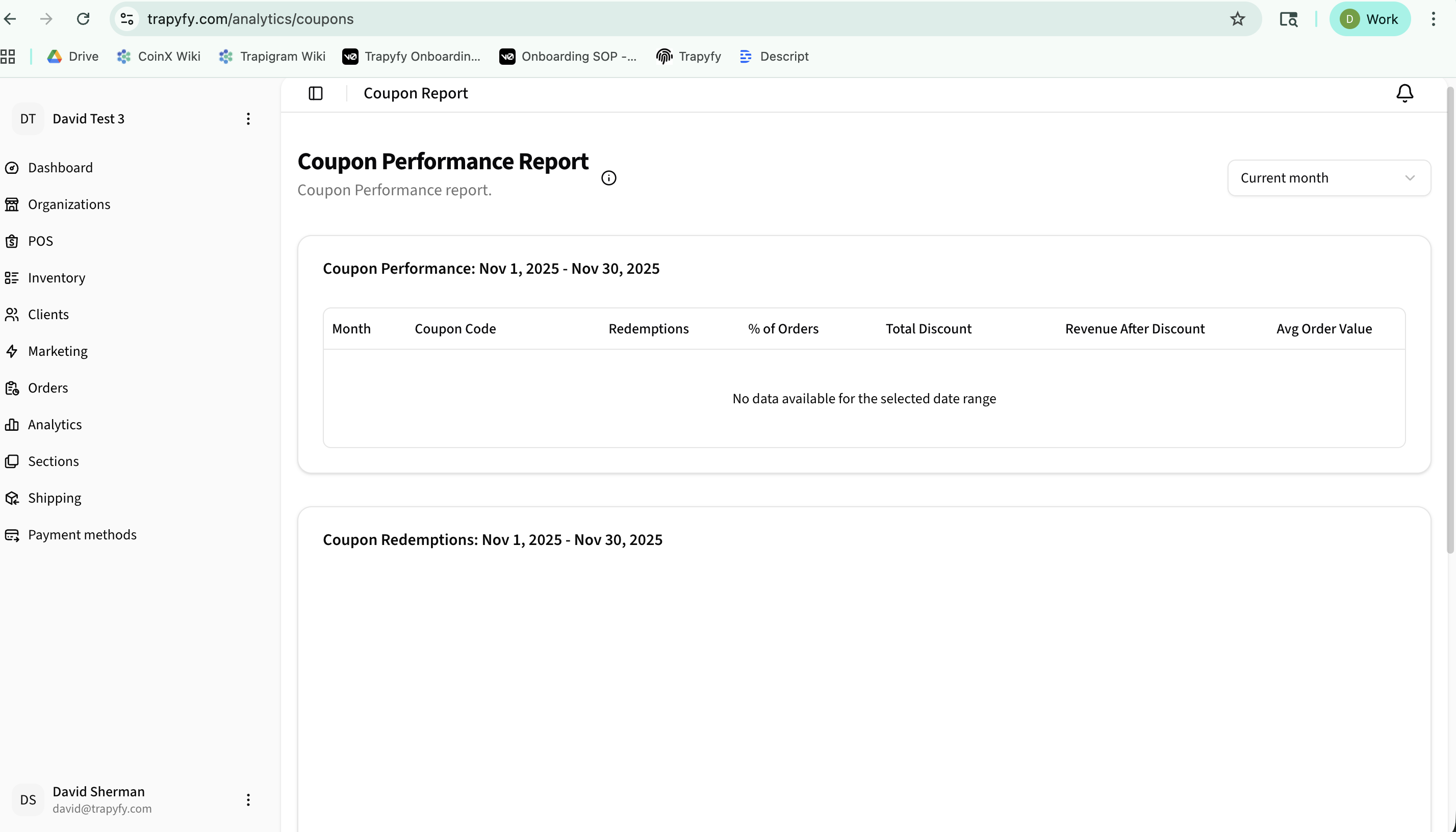
Monitor coupon redemption rates, discount impact, and overall coupon effectiveness.
Metrics
- Month and coupon code
- Number of redemptions
- Percentage of total orders
- Total discount amount given
- Revenue after discount
- Average order value
Usage
Use this report to evaluate which coupons are most effective, understand discount impact on revenue, and optimize your promotional strategies. Click on any coupon row to see detailed redemption history.
Dropshipping Suppliers
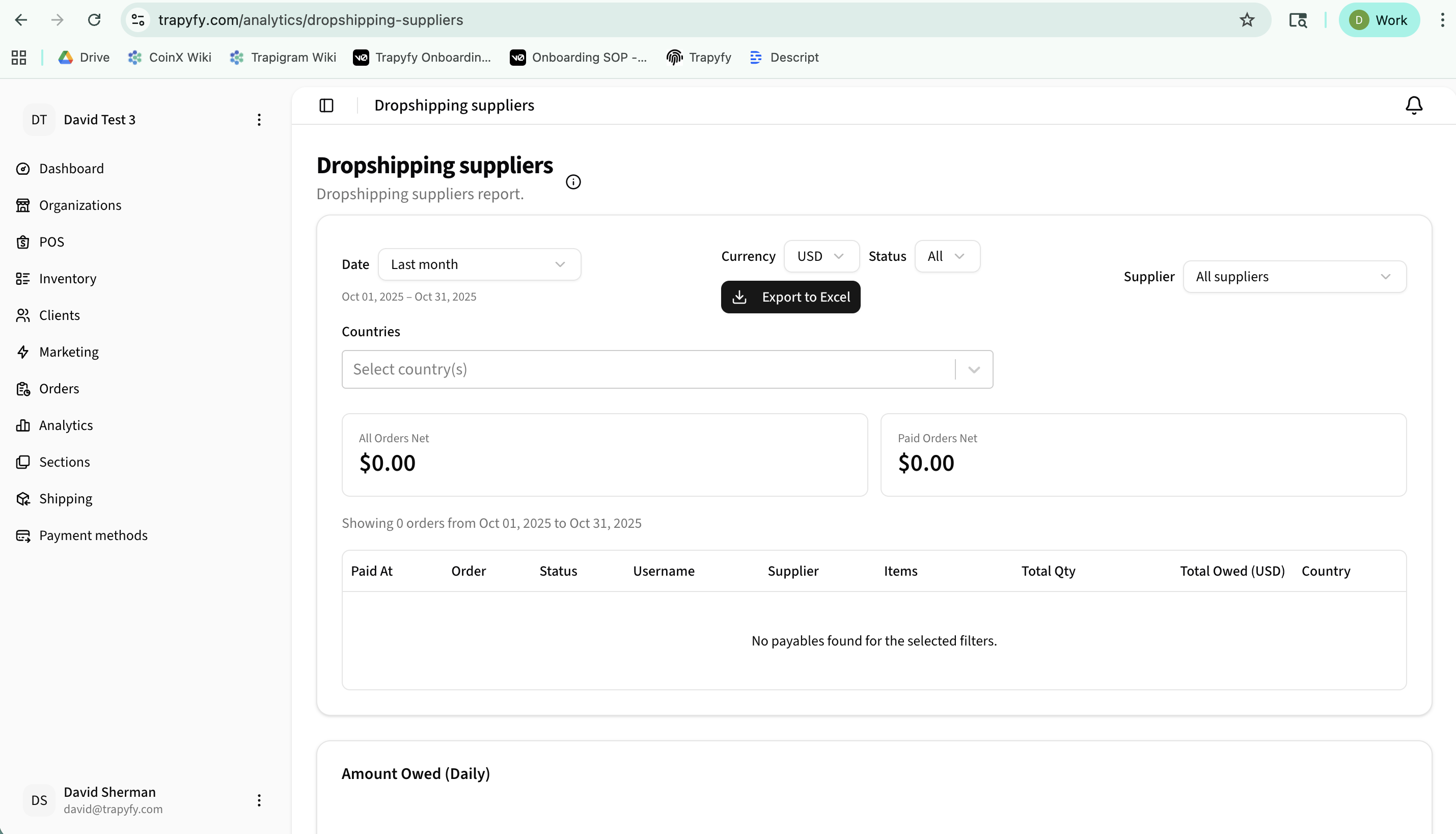
Track amounts owed to dropshipping suppliers with detailed order breakdowns and payment status.
Overview Metrics
- All Orders Net - Total owed across all order statuses
- Paid Orders Net - Total owed for paid orders only
Detailed Tracking
- Payment date and order number
- Order status
- Customer username
- Supplier name
- Items and quantities
- Total amount owed per order
- Country information
Filters and Export
- Date range selection
- Currency converter
- Status filter
- Supplier-specific filtering
- Country filtering
- Export to Excel for accounting
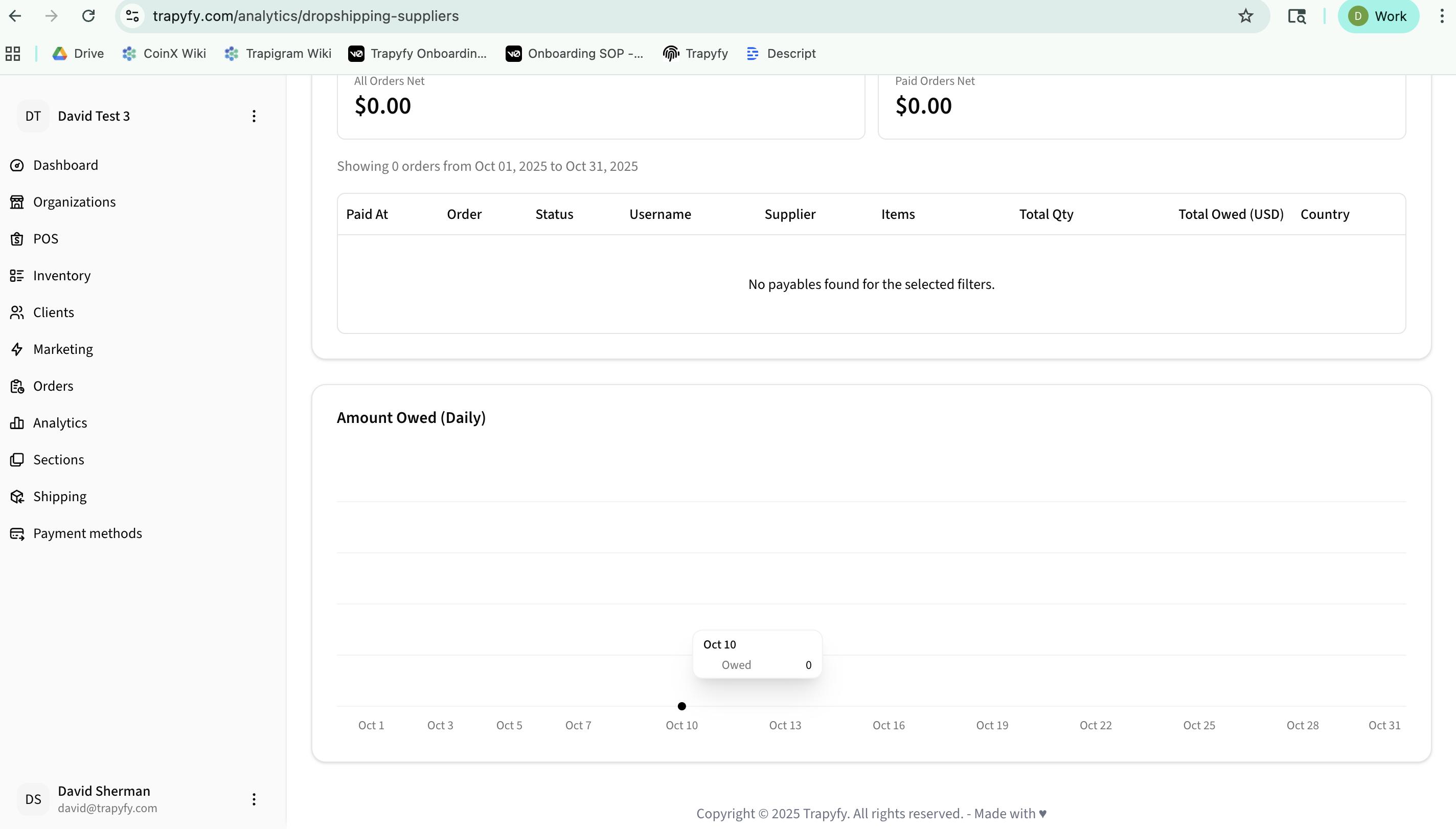
Daily Trends
The "Amount Owed (Daily)" chart visualizes payment obligations over time, helping you manage cash flow and supplier relationships effectively.
Export Capabilities
Most analytics reports include "Export to Excel" functionality, allowing you to download data for deeper analysis, accounting purposes, or sharing with stakeholders. Simply click the export button after applying your desired filters.