Connect Your Telegram Bot
Create a Telegram bot using BotFather and connect it to Trapyfy as the customer-facing storefront.
In plain words
Your shop lives inside a Telegram bot, and Telegram only gives bots out through its own robot called BotFather. You ask BotFather for a bot, it hands you a long password called a token, and you paste that token into Trapyfy. That is the whole connection.
Overview
Trapyfy uses a Telegram bot as the customer-facing storefront. The bot is created in Telegram using BotFather and connected to Trapyfy using the bot token. Once connected, customers can browse products, add to cart, and place orders directly inside Telegram.
Create a bot in BotFather
- Open Telegram.
- Search for BotFather and open it.
- Type
/newbotand send. - Enter the bot display name (shown to customers).
- Enter the bot username (must end in
bot, e.g.mystore_bot). - BotFather will confirm creation and provide a bot token. Copy this token.
Add the bot token in Trapyfy
- Sign in to Trapyfy at trapyfy.com.
- Open Organizations from the left-hand panel.
- Select your organization.
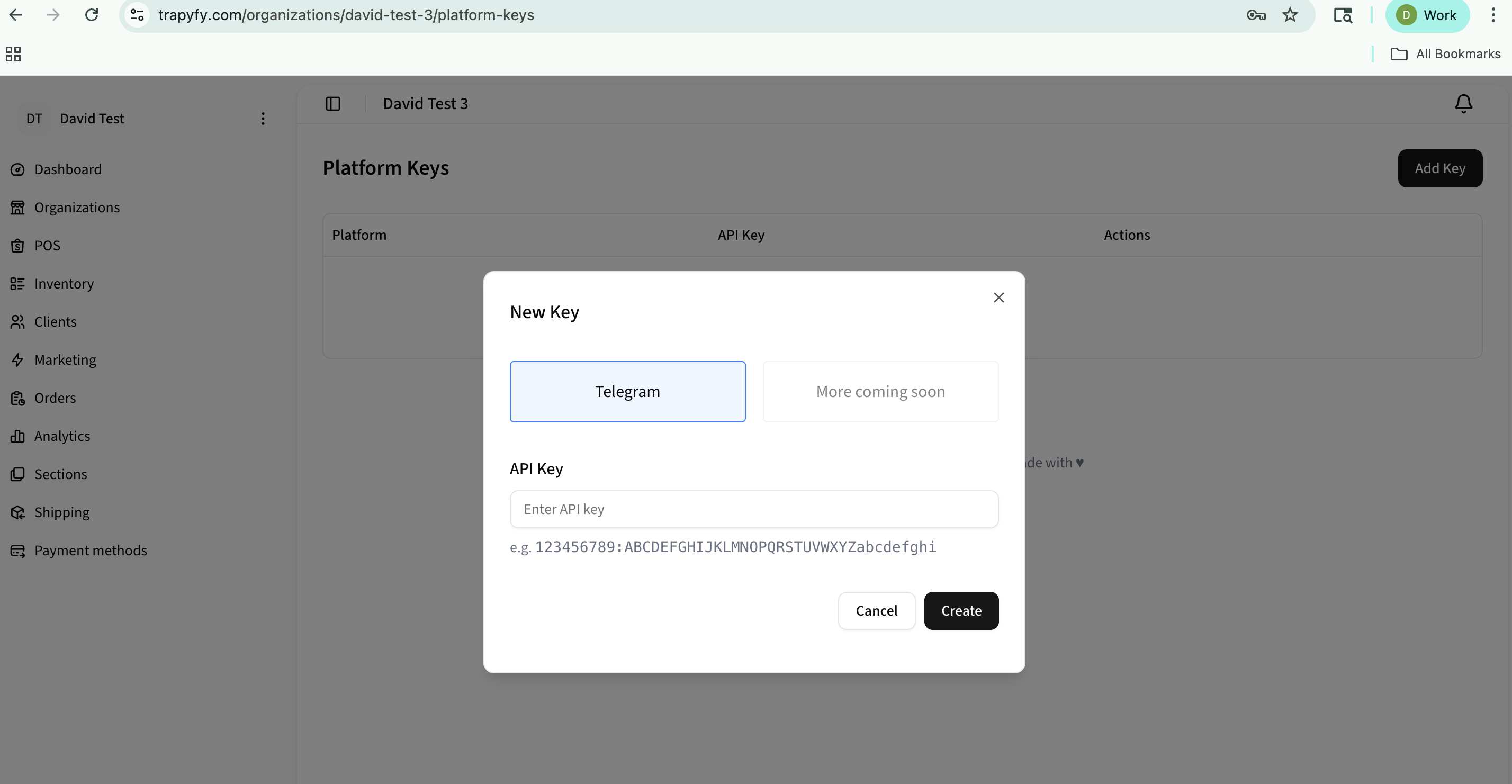
- In the top-right corner, click Manage Platform Keys.
- Click Add Key (or edit an existing Telegram key).
- Select Telegram as the platform.
- Paste the bot token into the input field.
- Click Create (or Save).
- Confirm the bot status shows connected/active where available.
Test the bot
- Open the Telegram bot you created.
- Tap Start or type
/start. - Confirm the welcome message appears.
- Enter the store and confirm categories and products appear.
If the store appears empty, confirm your products are Published and have pricing configured for the correct country.
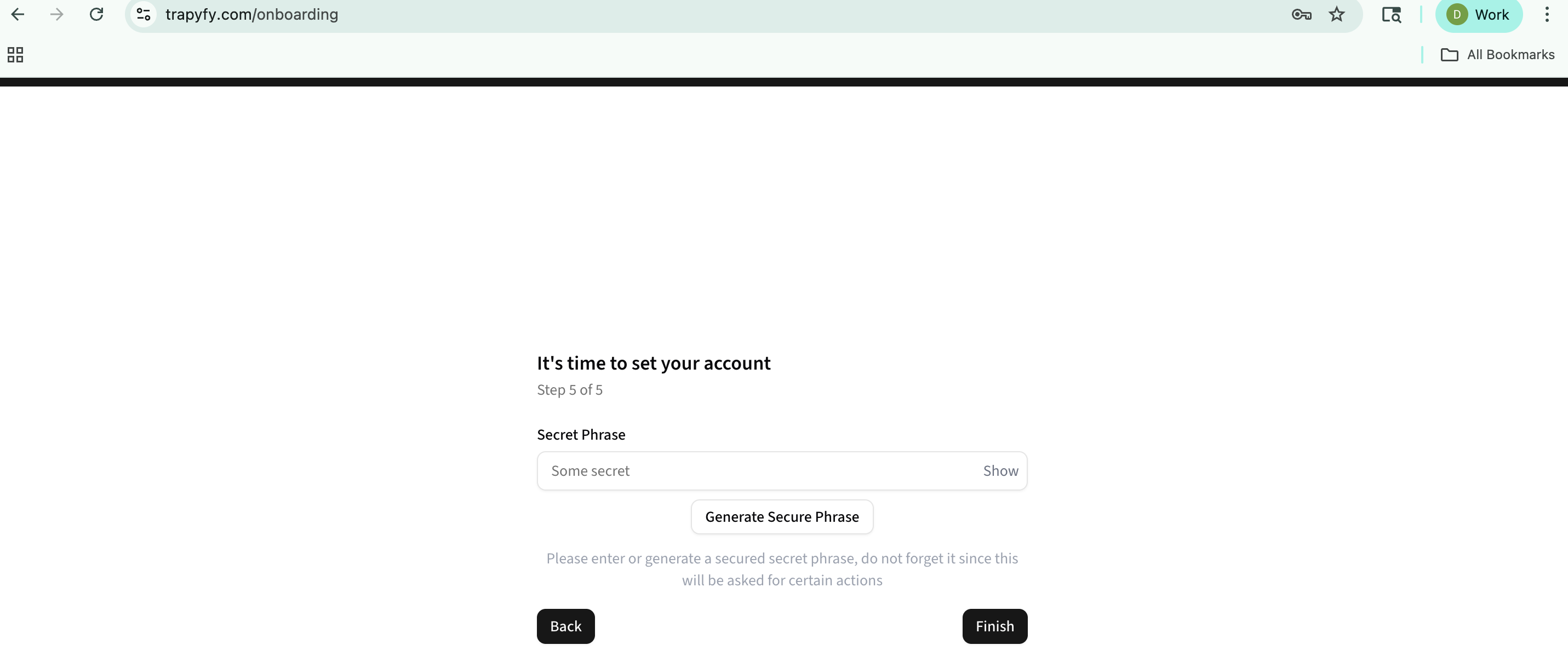
Optional: Secret phrase
Some Trapyfy configurations use a secret phrase as a bot activation step. This is an optional or legacy flow — only relevant if your setup requires it.
- If prompted, enter the phrase exactly as configured in Trapyfy.
- The phrase is case-sensitive and includes any special characters or spaces.
- To reset or change the phrase, go to organization settings.
Troubleshooting
Bot token copied incorrectly
Re-copy the token from BotFather. Ensure no extra spaces before or after the token.
Bot not responding to /start
Confirm the bot was created in BotFather and the correct token was pasted into Trapyfy. Try messaging the bot directly in Telegram first.
Wrong bot token
Invalid tokens return the same connectivity error as restricted accounts. Double-check the token matches the bot you intend to connect.
Bot already connected elsewhere
A bot token can only be used by one service at a time. Disconnect it from any other platform before connecting to Trapyfy.
Connection status not updating
Save the platform key and refresh. If the status remains inactive, verify the token is correct and try creating a new bot in BotFather.
Network blocking Telegram
Some networks, VPNs, or firewalls block api.telegram.org. Disable or switch your VPN/proxy and retry.
Telegram account or bot restricted
Telegram may restrict accounts due to suspicious activity or policy violations. Create a fresh bot in BotFather and reconnect.
You can continue setup even if the bot is not yet active. The bot token can be replaced at any time in Organizations → Manage Platform Keys.
Additional platform keys
Telegram is the supported storefront platform. The Organizations → Manage Platform Keys screen may list other platform types, but availability depends on your plan and rollout — if another platform is enabled for your account, add its key using the same flow and select the relevant platform type.
Additional platform keys are not required for the Telegram storefront launch workflow. For help confirming which platforms are available to you, contact support.
Related pages
Need help?
Email [email protected] with your merchant name, store or order reference, screenshots or error messages, and a short description of the issue.